A warm welcome for every new starter - and no admin headache for you1a

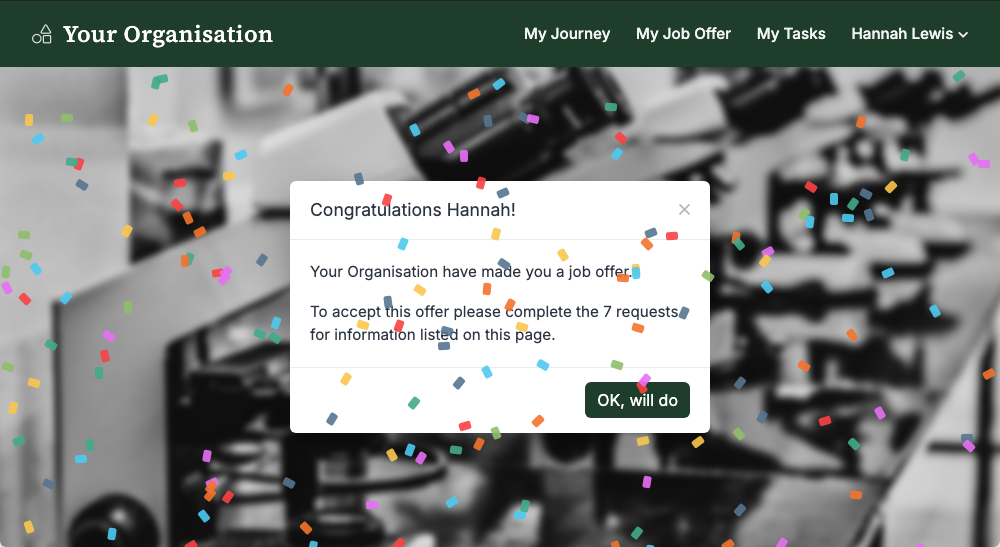
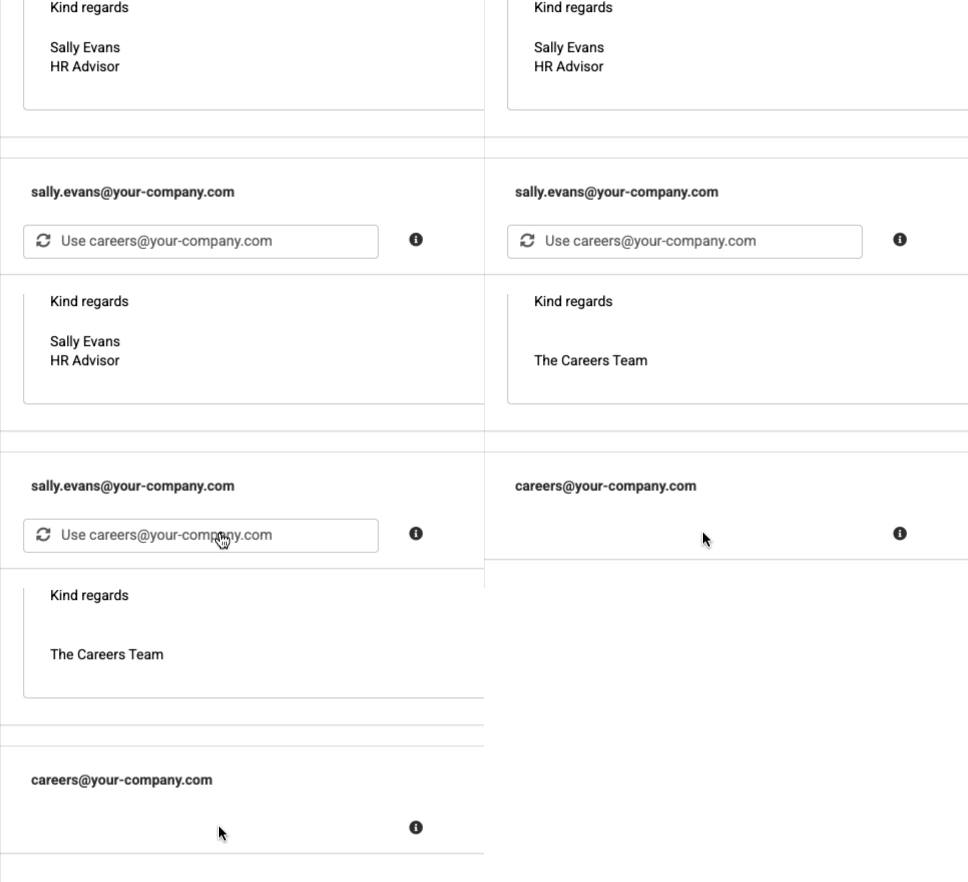
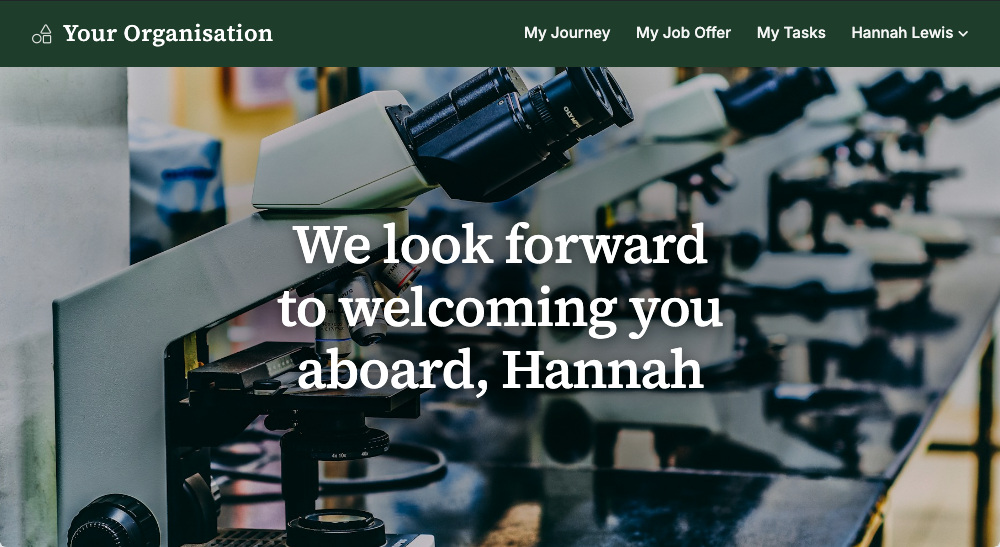
Screenshot shows the job offer welcome page in the employer's branding - we look forward to welcoming you aboard

The offer is accepted. Now comes the contract, the new starter form, the policies and the references - and a new employee whose first impression of you as an employer is forming with every email.

All Jobs Pro handles the whole onboarding journey on the same branded careers site your candidate applied through - so for them it is a continuation, not a hand-off.

Screenshot shows the job offer welcome page in the employer's branding - we look forward to welcoming you aboard
Scroll to learn more

Onboarding is the first real representation of you as an employer2b

Your new starter has already used your careers site to apply and to book their interview, so they are at home in it before day one. The congratulations moment, the contract and every form that follows all arrive in your branding - from the place they already know.

Good software pays a business back every day:

  • The time and energy it saves the people who use it - lifting productivity
  • The ease it brings to ensuring your process is followed every time - governance
  • The confidence and goodwill it earns internal and external users - employer branding
Screenshot shows the congratulations moment - the job offer page with confetti falling

Onboarding is the first real representation of us as an employer, and employer branding is a priority for us.

Step 1HR raise the offer in the ATS3c

Salary, start date, holiday entitlement, line manager, office - the offer wizard asks your questions, in your order, and part-time holiday is calculated for you.

The contract of employment is built from those answers automatically. Up to four contract templates, each dynamic - company car, private health insurance, days holiday - so the right clauses appear for the right role without anyone editing a Word document.

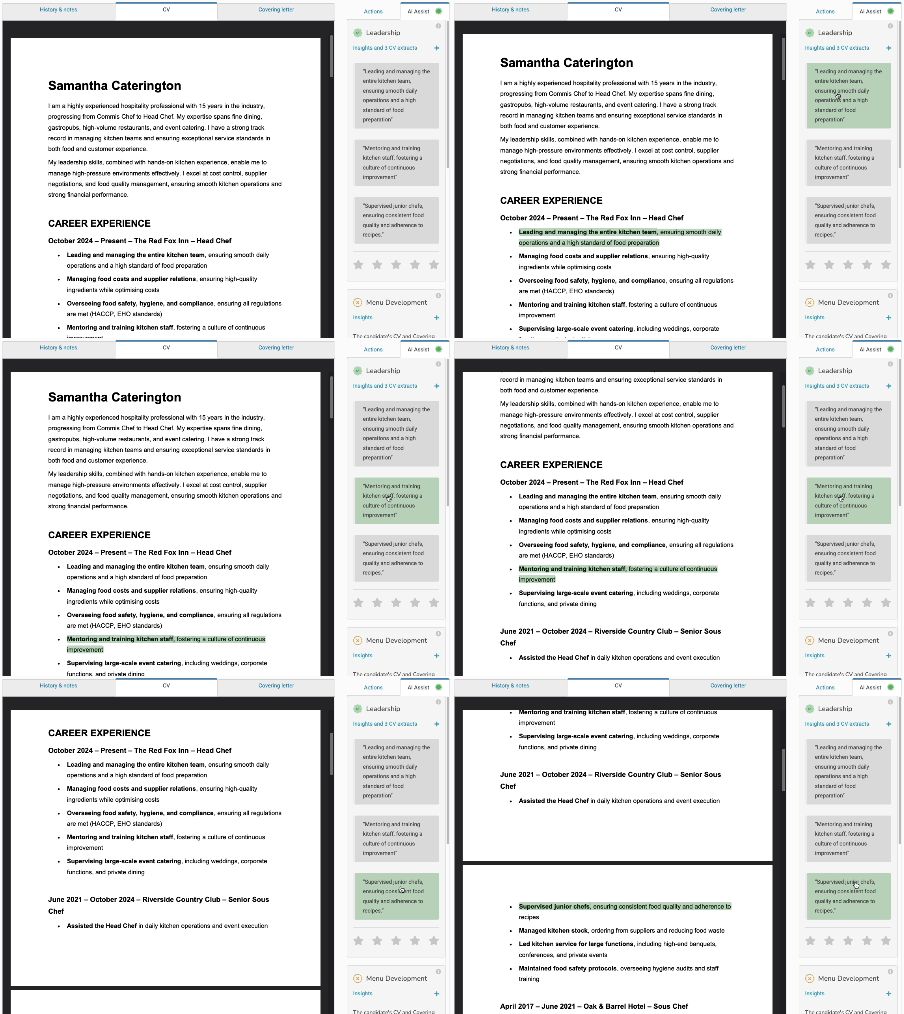
The moment the offer is made, your new starter receives their congratulations email and lands on their own onboarding page: the offer to accept, then each document to complete, in order, with progress shown as they go.

Every step is logged, so HR can see exactly where each new starter is without asking.

Step 2Your new starter completes everything in one place4d

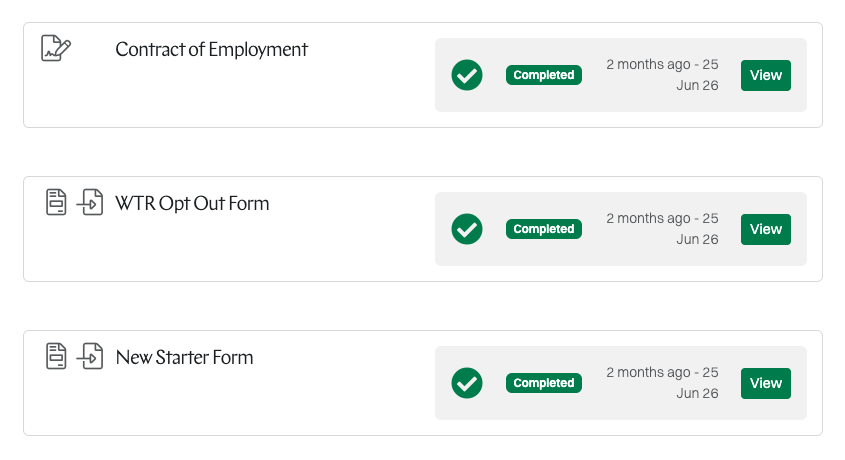
Screenshot shows a new starter's onboarding page - contract of employment, WTR opt out form and new starter form, each marked completed

Send us the forms you use today and we turn them into clean, friendly online versions. Where an official form is involved - the HMRC starter checklist, say - the new starter fills in the friendly version and their answers are stamped onto the official PDF for you.

  • Contract of employment - e-signed in the browser, or via DocuSign if you prefer
  • New starter form (HMRC and payroll)
  • Working time opt out
  • Next of kin and emergency contacts
  • Pre-booked holiday and start date confirmation
  • Your policies - read and signed
  • Digital right to work check

Everything is signed, dated and stored as the document of record - and a completed set means the offer moves itself along.

Step 3References - requested, chased and captured for you5e

Your new starter nominates their referees as one of their onboarding steps. You approve before any request goes out, so only referees who meet your criteria are contacted.

Each referee receives a polite email and lands on a reference request page in your branding. Anyone who has not replied is chased automatically - and the whole picture sits on the onboarding overview, so nothing is a surprise on day one.

More about automated referencing
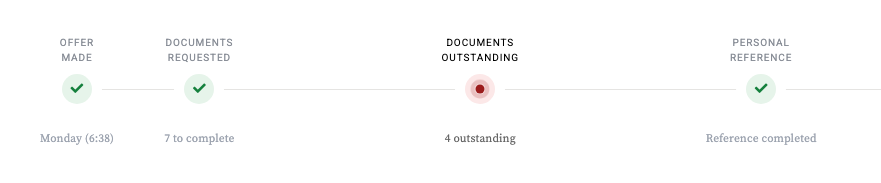
Screenshot shows the onboarding overview - offer accepted and documents returned, personal reference completed, professional reference overdue and chased twice

Nothing re-typed, nothing lost in an inbox6f

Straight into your HR system

The details your HR or payroll system needs to create the employee record - date of birth, full address, bank and emergency-contact details, and whatever else you require - are collected as part of the new starter's journey.

They can be sent straight to your HRIS through its API, so the record is created accurately, before day one, with nothing typed twice.

Their documents, always to hand

From their own onboarding page a new starter can view and download the documents they completed and signed - contract, new starter form, policies - at any time, without troubling HR.

HR see the same set on the new starter's record, with the signing history alongside.

Stored safely, backed up, and yours to keep7g

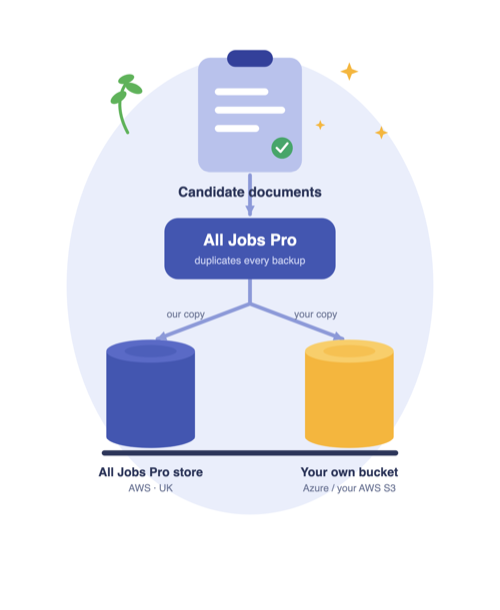
Diagram shows every candidate document kept in the All Jobs Pro store and an identical copy dropped into a bucket that belongs to you

Every signed document is stored and backed up on Amazon Web Services, on UK-based servers, encrypted at rest with AES-256 and handled in line with GDPR.

Bring your own bucket: if you want your own copy, an identical second copy of every document is dropped into secure storage that belongs to you - Microsoft Azure if you run on Microsoft, or your own Amazon S3 - so you always hold every document in a system under your absolute control.

Or skip the cloud account altogether and download a single zip of all of a new starter's onboarding documents, at any time.

Read more about document storage and backup

Diagram shows every candidate document kept in the All Jobs Pro store and an identical copy dropped into a bucket that belongs to you

And once the paperwork is done, the induction begins8h

Onboarding gets the contract signed and the record created. The induction framework picks up from there - a structured plan for the first weeks, with every task owned, scheduled and tracked to the end of probation.

IT are told the moment an offer is made, managers get a pre-start nudge, and the new starter can see the plan and their part in it.

See the induction framework

Explore the hiring platform

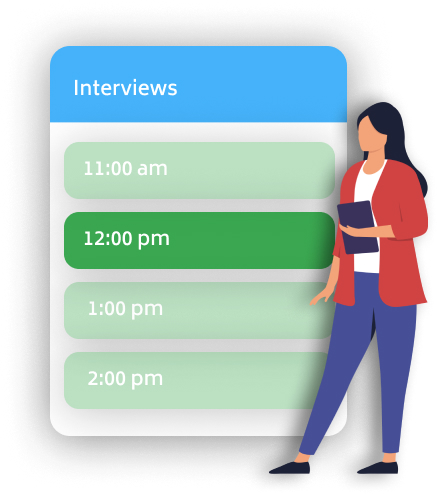
Image shows the automatic interview booking tool

Applicant Tracking System

Your managers will love recruiting with our easy to use software.

View ATS features
Image shows a person sitting at their desk managing a busy recruitment process

In-House Recruiting

Make the best hires and take control of your employer brand.

In-house recruiting
Image shows person celebrating because a job offer has been accepted

Recruitment Advertising

Advertise once, in all the right places. The best job boards with a couple of clicks.

Advertising options
Illustration shows a person working on a laptop powered by AI

Automated CV Highlighting

AI Assist reads every CV against your chosen qualities and highlights the evidence.

Automated CV Highlighting
Illustration shows two people in conversation with speech bubbles

Automated Phone Screening

Candidates answer your screening questions by phone, in their own time - you listen back and shortlist faster.

Automated phone screening
Illustration shows an archery board with an arrow in the middle

Referencing

Requesting, chasing and capturing references - all handled automatically, with your full oversight.

Automated referencing
Image shows a new employee completing their onboarding paperwork

Onboarding

Contract signing, payroll information and referencing - everything handled on time and without any admin headache.

Onboarding
Screenshot shows the induction planner - tasks scheduled by team and time, colour-coded by owner

Induction Framework

A structured induction for every new starter - defined once, delivered automatically, tracked to the end of probation.

Induction framework
Image shows happy customers sharing their experiences

Customers

Read what our customers say about recruiting with All Jobs Pro.

Read testimonials

Contact us

We can arrange a quick demo over the phone or a no obligation trial - or perhaps you'd just like an initial chat.

We're very friendly and we don't go in for the big sell.