Rejection emails aren’t just admin
It's an unfortunate fact that the vast majority of applicants do not get the job. Most unsuccessful candidates are grateful to be told promptly.
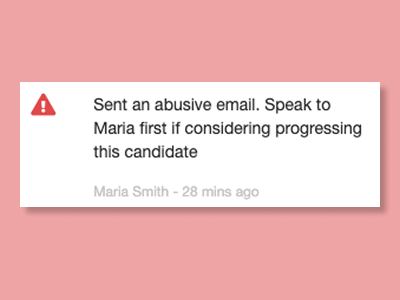
However, rejection messaging can trigger challenging responses on occasion, bringing sensitive communication considerations into play.
All Jobs Pro offers a suite of thoughtfully crafted tools to help you communicate outcomes professionally, while protecting your people, your brand and your process.
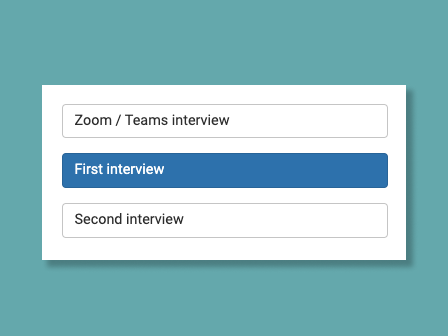
All Jobs Pro offers thoughtfully worded (editable) templates tailored to each stage:

Not everyone wants their name attached to 80 "regret" emails. All Jobs Pro lets you send from your organisation's careers email address instead, with the signature updating automatically. A small detail that can make a meaningful difference especially on a high-volume role.
When you are moving at pace, rejection admin can slip. Simply mark a candidate as "To Reject" and All Jobs Pro handles everything else. The rejection email is sent automatically a few working days later, professionally worded, appropriately timed and with full visibility before anything goes out.

Your candidates deserve a considered outcome. Your team deserves a process that makes that easy. All Jobs Pro delivers both.
However, rejection messaging can trigger challenging responses on occasion, bringing sensitive communication considerations into play.
All Jobs Pro offers a suite of thoughtfully crafted tools to help you communicate outcomes professionally, while protecting your people, your brand and your process.
The right words for the right context
A candidate who attended two rounds of interviews deserves different wording to one who applied yesterday and doesn't seem to have read the job advert.All Jobs Pro offers thoughtfully worded (editable) templates tailored to each stage:
Option to send from The Careers Team
Not everyone wants their name attached to 80 "regret" emails. All Jobs Pro lets you send from your organisation's careers email address instead, with the signature updating automatically.
A small detail that can make a meaningful difference especially on a high-volume role.Not enough hours in the day? We've got you.
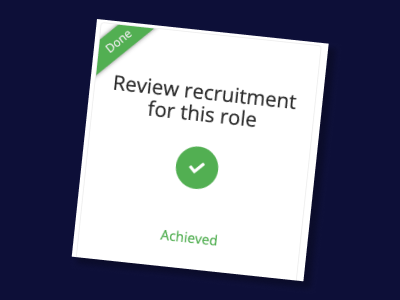
When you are moving at pace, rejection admin can slip. Simply mark a candidate as "To Reject" and All Jobs Pro handles everything else.
The rejection email is sent automatically a few working days later, professionally worded, appropriately timed and with full visibility before anything goes out.
Considered communication, without the overhead.
Your candidates deserve a considered outcome. Your team deserves a process that makes that easy. All Jobs Pro delivers both.
Take control of your employer brand and make the best hires with All Jobs Pro's easy to use Applicant Tracking System book a quick demo here.