Introducing Soft Mode
A little while ago we introduced Dark Mode, and lots of you told us how much you liked it. Your comfort matters to us - you spend a lot of time in the ATS - so we've been at it again.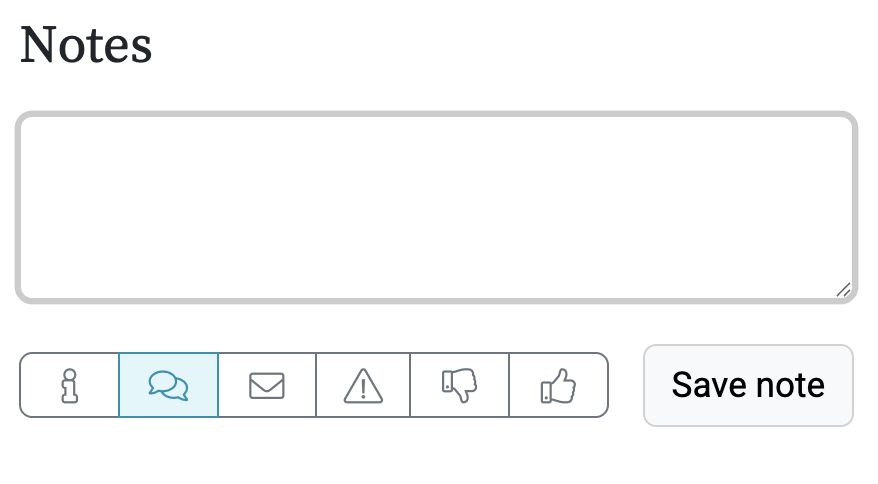 We're pleased to announce Soft Mode: a gentler, more relaxed take on the ATS (which also happens to match our new Onboarding System - more on that soon).
We've toned down the brighter, bolder colours into a softer palette - the same familiar screens, just easier on the eye for those long days.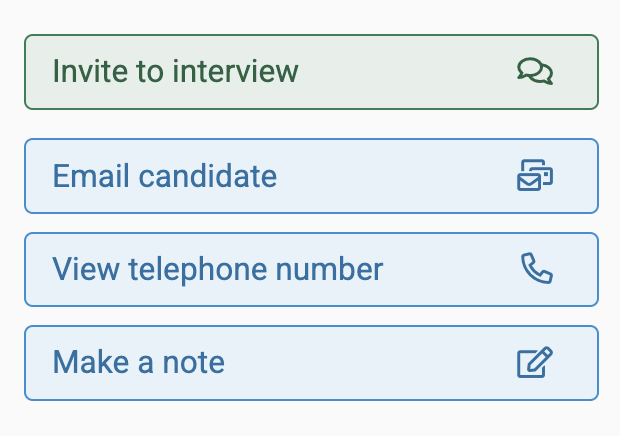
All Jobs Pro - your ATS, your way. Please do keep the suggestions coming...
We're pleased to announce Soft Mode: a gentler, more relaxed take on the ATS (which also happens to match our new Onboarding System - more on that soon). We've toned down the brighter, bolder colours into a softer palette - the same familiar screens, just easier on the eye for those long days.
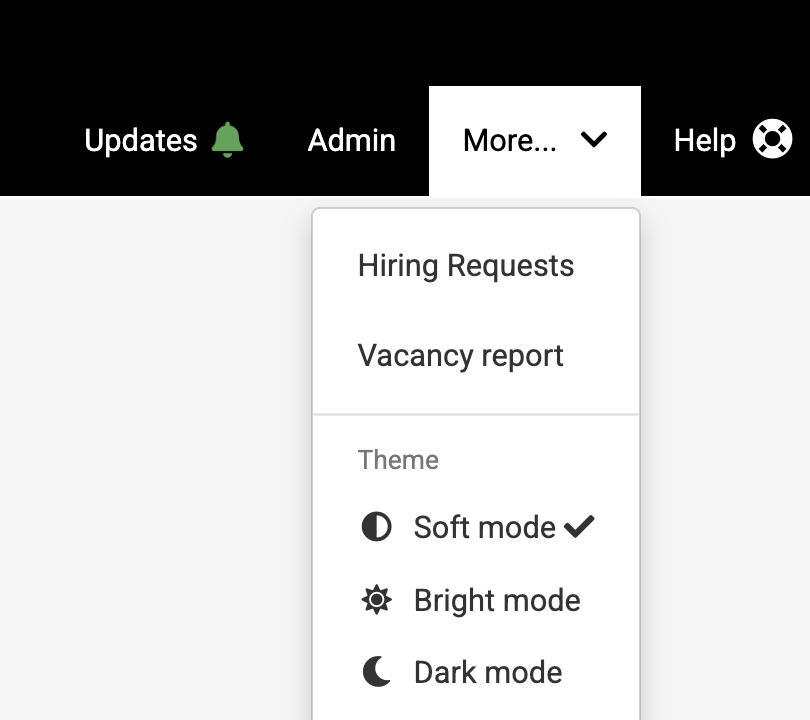
How to switch themes?
Click More in the top right of the screen to open the menu, then look for the Theme section. Pick whichever suits you:
- Soft mode - our new, gentler palette (and the new default)
- Bright mode - the classic, original look, if you like things crisp and bold
- Dark mode - sleek and easy on the eyes, day or night
Why the choice?
- Soft on the eyes for those longer days
- Bright when you want everything to pop
- Dark for working late (hopefully not too often!)
All Jobs Pro - your ATS, your way. Please do keep the suggestions coming...
Take control of your employer brand and make the best hires with All Jobs Pro's easy to use Applicant Tracking System book a quick demo here.