How to View CVs, Score Candidates & Shortlist


The screens shown in this video have been updated since this video was recorded.

Transcript of Video

Today we're going to be viewing a candidate's application and applying a score based on their suitability for our role

We open up the CV like this - no need to download it or open it in word, we can view it within the ATS which is much easier

I'm going to score the candidate against the criteria you can see here which will make shortlisting easier and more objective
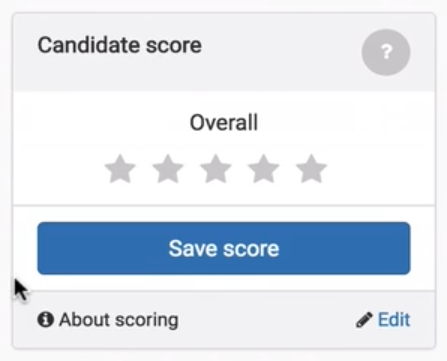
image shows how the candidate scoring system works

I'm giving them 3 out of 5 for relevant experience and 4 for organisational fit - when it comes to communication skills i need some more information so I'm going to turn to their covering letter
 and their answers to the filtering questions that we set and i like what i read so I'm going to give them 5 out of 5 for communication skills, and save my score.

You can choose which attributes candidates are scored against for each role by clicking here, you can use the default attributes or set as many of your own as you wish.

Now that I've saved the score you can see that the system has calculated an overall score for each candidate made up of my score and also the scores of any of my colleagues that are also involved in the hiring process for this role.

The system has sorted candidates so that those with higher scores are at the top of the list
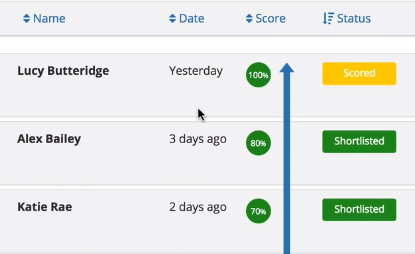
image shows how the candidates are sorted by their scores to make shortlisting easier

This makes it much easier to shortlist like this
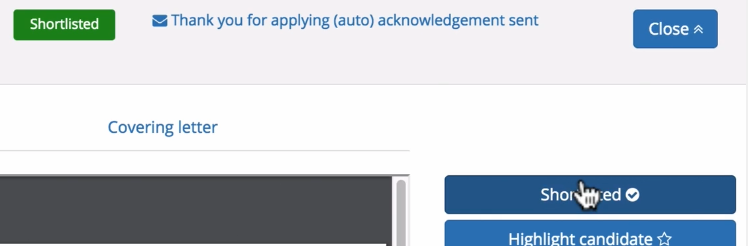
image shows how to shortlist the candidates for interview in the ATS

in the next video I'll show you how the system makes it easy to invite candidates to interview and how the automatic interview booking facility makes the whole process much easier for both you and your interviewees. 


Take control of your employer brand and make the best hires with All Jobs Pro's easy to use Applicant Tracking System book a quick demo here.

Explore the hiring platform

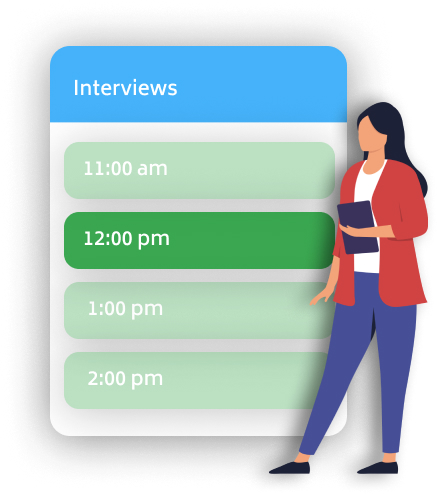
Image shows the automatic interview booking tool

Applicant Tracking System

Your managers will love recruiting with our easy to use software.

View ATS features
Image shows a person sitting at their desk managing a busy recruitment process

In-House Recruiting

Make the best hires and take control of your employer brand.

In-house recruiting
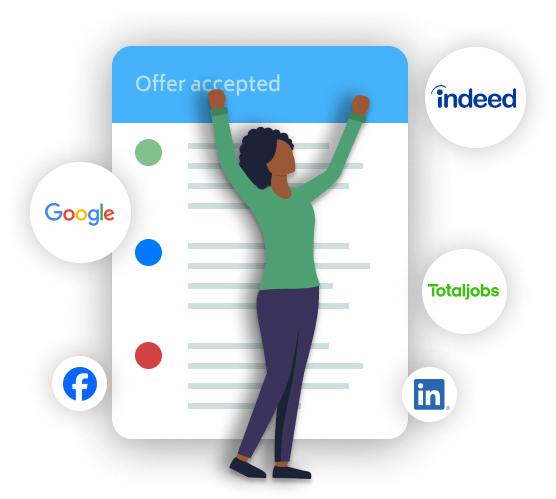
Image shows person celebrating because a job offer has been accepted

Recruitment Advertising

Advertise once, in all the right places. The best job boards with a couple of clicks.

Advertising options
Illustration shows a person working on a laptop powered by AI

Automated CV Highlighting

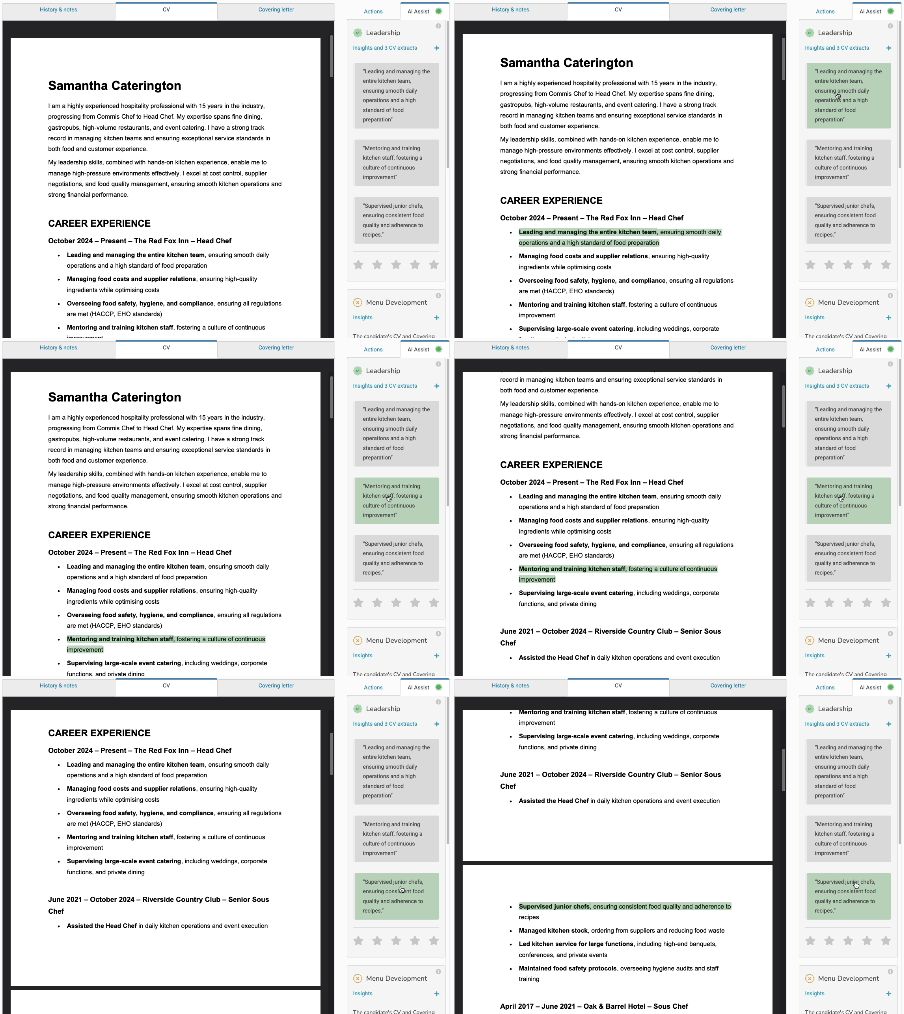
AI Assist reads every CV against your chosen qualities and highlights the evidence.

Automated CV Highlighting
Illustration shows two people in conversation with speech bubbles

Automated Phone Screening

Candidates answer your screening questions by phone, in their own time - you listen back and shortlist faster.

Automated phone screening
Illustration shows an archery board with an arrow in the middle

Referencing

Requesting, chasing and capturing references - all handled automatically, with your full oversight.

Automated referencing
Image shows a new employee completing their onboarding paperwork

Onboarding

Contract signing, payroll information and referencing - everything handled on time and without any admin headache.

Onboarding tools
Screenshot shows the induction planner - tasks scheduled by team and time, colour-coded by owner

Induction Framework

A structured induction for every new starter - defined once, delivered automatically, tracked to the end of probation.

Induction framework
Image shows happy customers sharing their experiences

Customers

Read what our customers say about recruiting with All Jobs Pro.

Read testimonials